

Kubernetes Budgeting Report
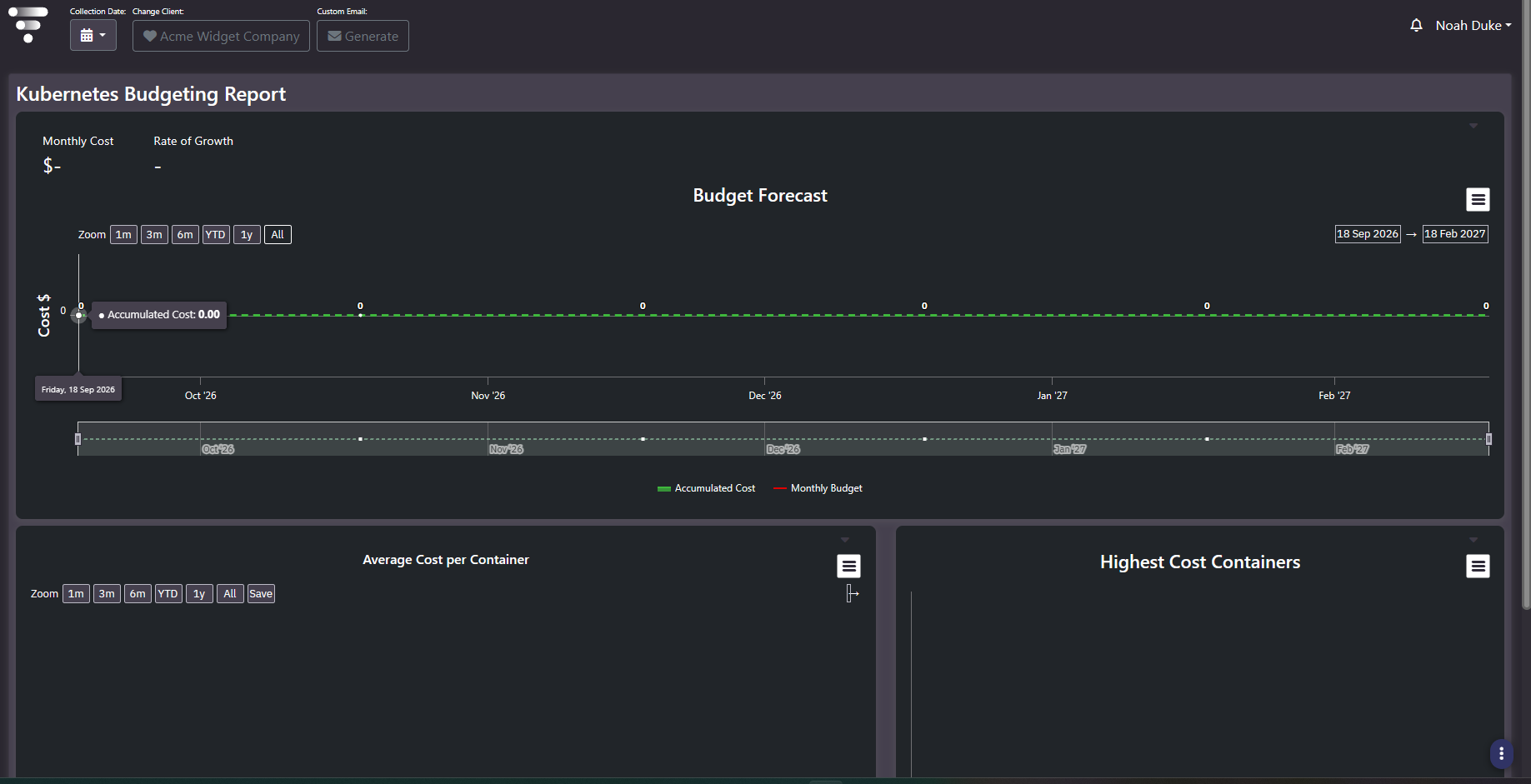
Purpose: Container cost against budget. Monthly cost and growth rate, a budget forecast, average cost per container, and the containers costing the most. It is where container spend becomes a number somebody owns.
When to use it
- Answer what the container estate costs per month and where it is heading
- Establish a per-container unit rate for chargeback or internal pricing
- Find the individual containers responsible for most of the spend
- Track container cost against a budget rather than watching it in isolation
Key areas and metrics
| Panel | What it carries |
|---|---|
| Monthly Cost | Current period container spend |
| Rate of Growth | How fast that spend is changing |
| Budget Forecast | Accumulated cost plotted against a monthly budget line, with zoom presets, date pickers, a range brush, and an export menu |
| Average Cost per Container | The unit rate over time, with its own zoom and save controls |
| Highest Cost Containers | The individual containers contributing most to the total |
Average cost per container is the number to keep
Total container spend rises whenever the estate grows, which makes it a poor measure of whether anything is being run well. Average cost per container separates the two: if the total climbs while the average holds steady, you are simply running more containers. If the average itself climbs, containers are getting more expensive, and that is a problem growth does not explain.
It is also the figure to carry into a chargeback or internal pricing conversation, since it is the only one on the screen that is comparable across teams and across periods.
Common actions
- Read the average against the total. Divergence between them is the interesting signal.
- Work the highest-cost containers list against their resource requests, since container cost is driven by requested rather than used resource in most configurations.
- Set a budget before relying on the forecast, or the comparison line has nothing to plot against.
- Note that mid-period accumulated cost will always sit below a full-period budget. Extend the slope to period end rather than reading the raw gap as headroom.
Tips
Container right-sizing recommendations, including vertical pod autoscaler suggestions, appear in Optimization Recommendations alongside cloud and virtual findings rather than on this screen. Use this report to size the opportunity and that one to act on it.
Related screens
Optimization Recommendations carries the container tuning actions. Kubernetes All Units shows the object counts behind the cost. Enterprise Cloud Budget Trend applies the same budget pattern to cloud.