

Database Unused Indexes
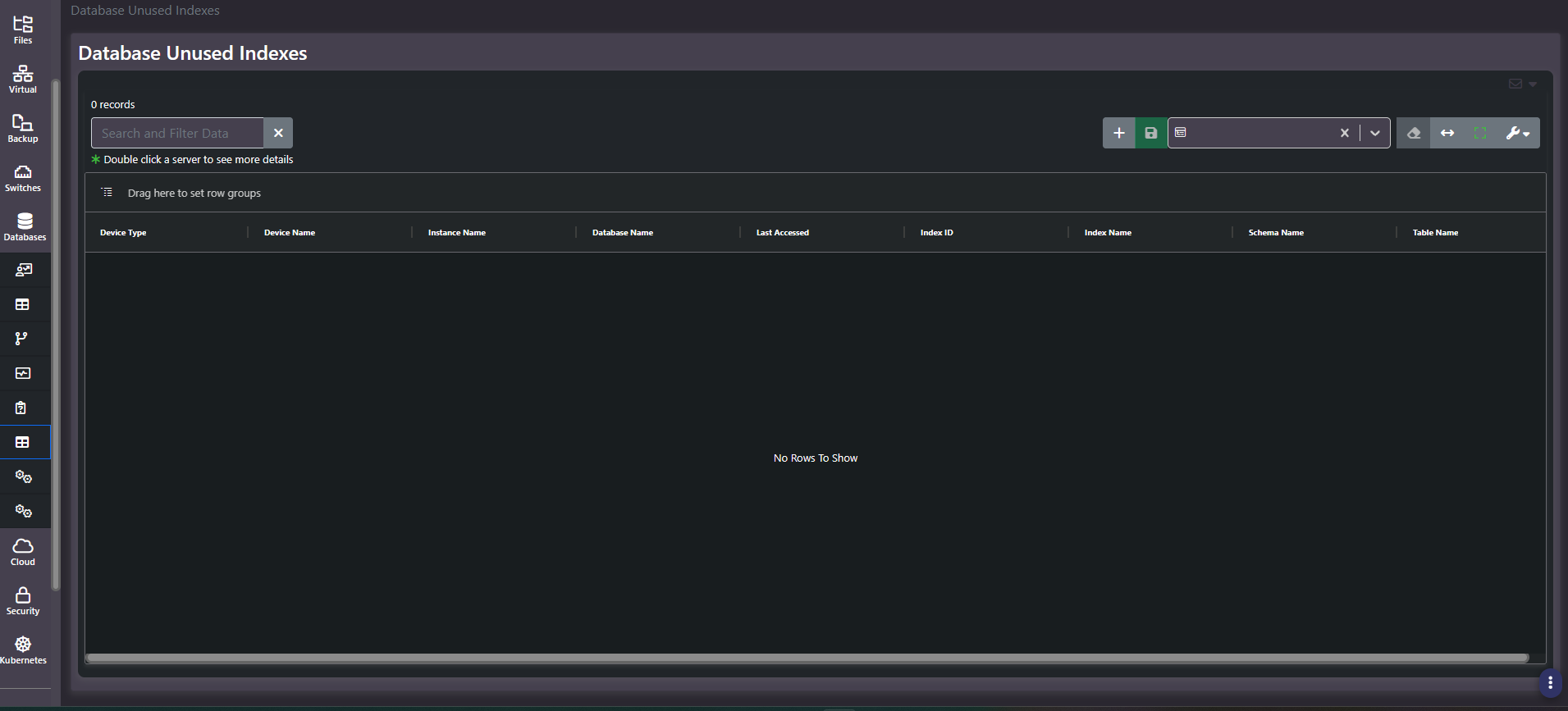
Purpose: Indexes that exist and are never read. Every index costs storage and slows every write to its table, so an index nothing queries is pure overhead. This screen lists them.
When to use it
- Recover write performance on heavily-updated tables
- Reclaim storage from indexes serving no queries
- Shorten index maintenance and rebuild windows
- Audit whether indexes created for a retired feature were ever removed
Key areas and metrics
| Column | What it identifies |
|---|---|
| Device Type, Device Name | The platform and server |
| Instance Name, Database Name | Where the index lives |
| Last Accessed | When the index was last read, and the field the report turns on |
| Index ID, Index Name | The index itself |
| Schema Name, Table Name | The object it indexes |
Helper text notes that double-clicking a server opens more detail. The grid carries the standard search, saved column settings, view controls, and row grouping.
An empty grid is a good result
This screen returning no rows means no unused indexes were detected, and that is the outcome you want rather than a sign the report is broken. It is one of the few screens in the platform where empty is unambiguously good news.
Two caveats before treating it as a clean bill of health. Usage statistics come from the database platform and are reset by restarts, failovers, and some maintenance operations, so a recently restarted instance has little history to judge against. And an index that goes unread for a month may still be essential to a quarter-end or year-end process.
Common actions
- Sort by Last Accessed ascending so the longest-dormant indexes surface first.
- Check instance uptime before acting. A statistics window shorter than your business cycle will list indexes that are genuinely needed.
- Group by Database Name to find applications carrying disproportionate index overhead.
- Disable before dropping where the platform supports it. It is a reversible test of whether anything breaks.
Tips
Never drop an index purely because it appears here. Confirm with the application owner and check whether it supports a constraint, a foreign key, or a periodic process. This is a candidate list for a DBA, not a work order.
Related screens
Missing Indexes is the opposite finding, and a database appearing in both is being indexed reactively. Index Fragmentation covers indexes worth keeping but needing maintenance. Enterprise Databases Summary shows the capacity these indexes occupy.