

Kubernetes All Units
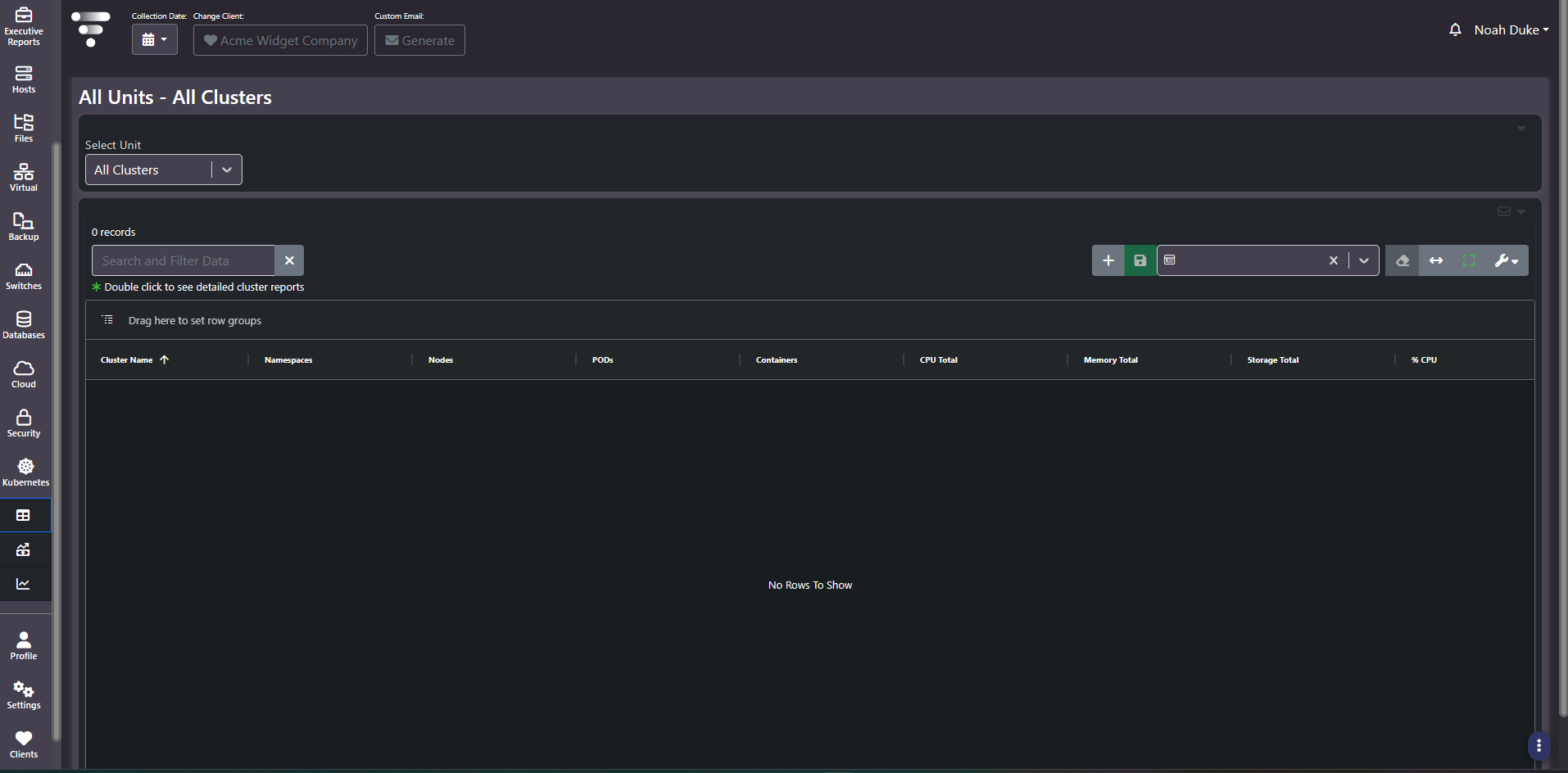
Purpose: The container inventory. One row per cluster with its namespace, node, pod, and container counts and its total CPU, memory, and storage, plus a unit selector for changing the object level.
When to use it
- Confirm which clusters are under collection
- Compare cluster scale by pod and container density rather than by node count
- Find clusters with high CPU utilization against their allocated total
- Reconcile the container estate against what the platform teams believe they run
Key areas and metrics
| Column | What it counts |
|---|---|
| Cluster Name | The cluster |
| Namespaces | Logical partitions within it |
| Nodes | Machines providing capacity |
| PODs | Scheduled pods |
| Containers | Running containers across those pods |
| CPU Total, Memory Total, Storage Total | Aggregate allocated resource |
| % CPU | Utilization against the CPU total |
A Select Unit dropdown at the top changes the object level the grid reports at, and helper text notes that double-clicking opens detailed cluster reports. The grid carries the standard search, saved column settings, view controls, and row grouping.
Read the ratios, not the counts
Raw counts say little about a cluster on their own, because clusters vary enormously in node size. The useful readings are ratios between the columns.
- Containers per pod. Close to one is the common case. Substantially higher indicates sidecar-heavy workloads, which changes how resource requests should be read.
- Pods per node. High density is efficient and leaves less room to absorb a node failure.
- Namespaces against pods. Many namespaces holding few pods each usually reflects per-team or per-environment partitioning rather than workload scale.
- % CPU against CPU Total. Low utilization on a large allocation is the container equivalent of an over-provisioned VM.
Tips
An empty grid here means no container platform collector is configured, not that no clusters exist. Every other screen in this section will be empty for the same reason.
Related screens
Kubernetes Budgeting Report attaches cost to these objects. Trend All Clusters shows how the counts are moving. All Units: Hosts covers the machines underneath a self-managed cluster.